

Integrations / QuickBooks
QuickBooks Payment Processing Integration
Accept cards and ACH, send payment links, and recover processing costs with compliant surcharging, all inside QuickBooks Desktop, and Online. Payments sync back to your books, so your team stops re-keying and your customers pay without calling.
Featured Highlights
Run transactions natively inside QuickBooks
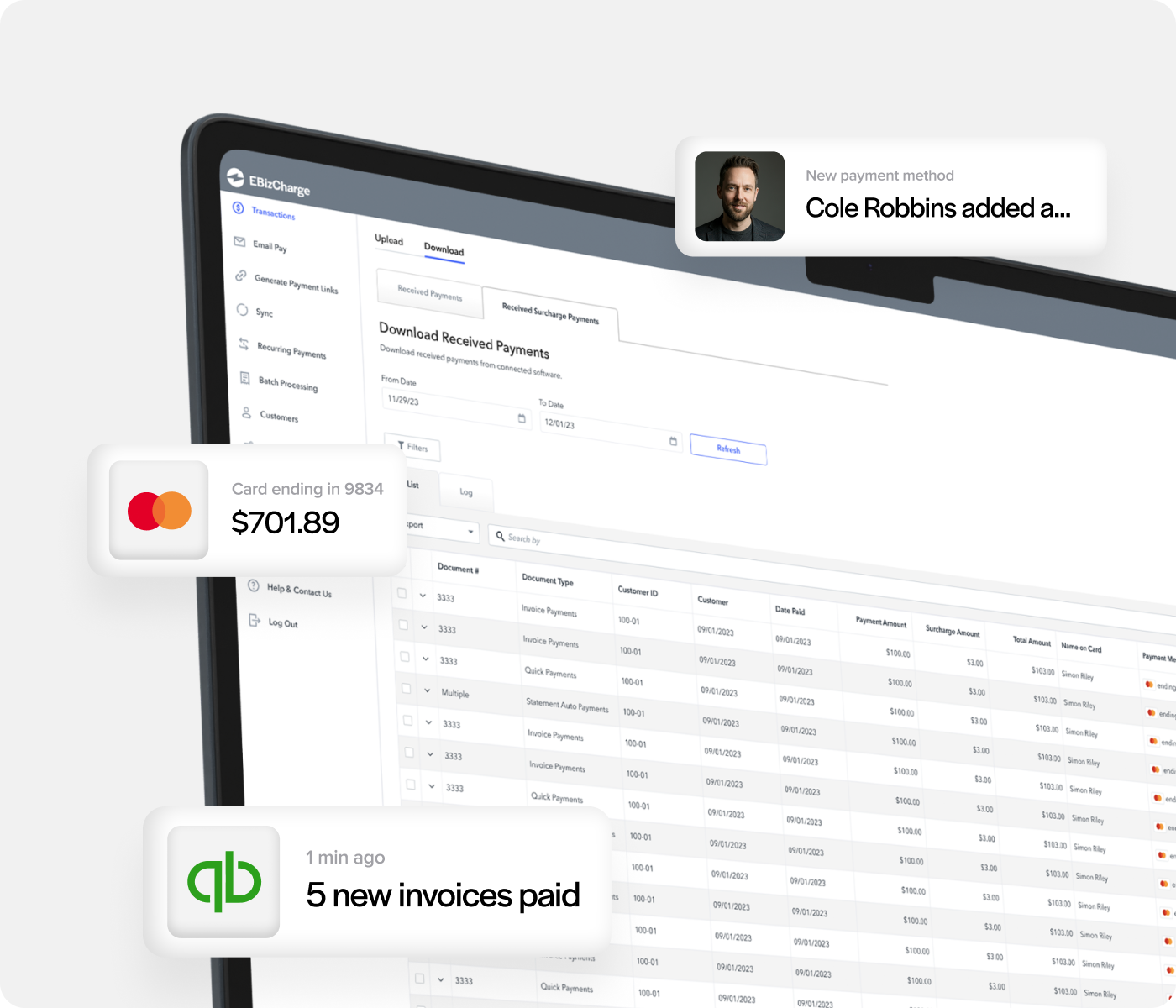
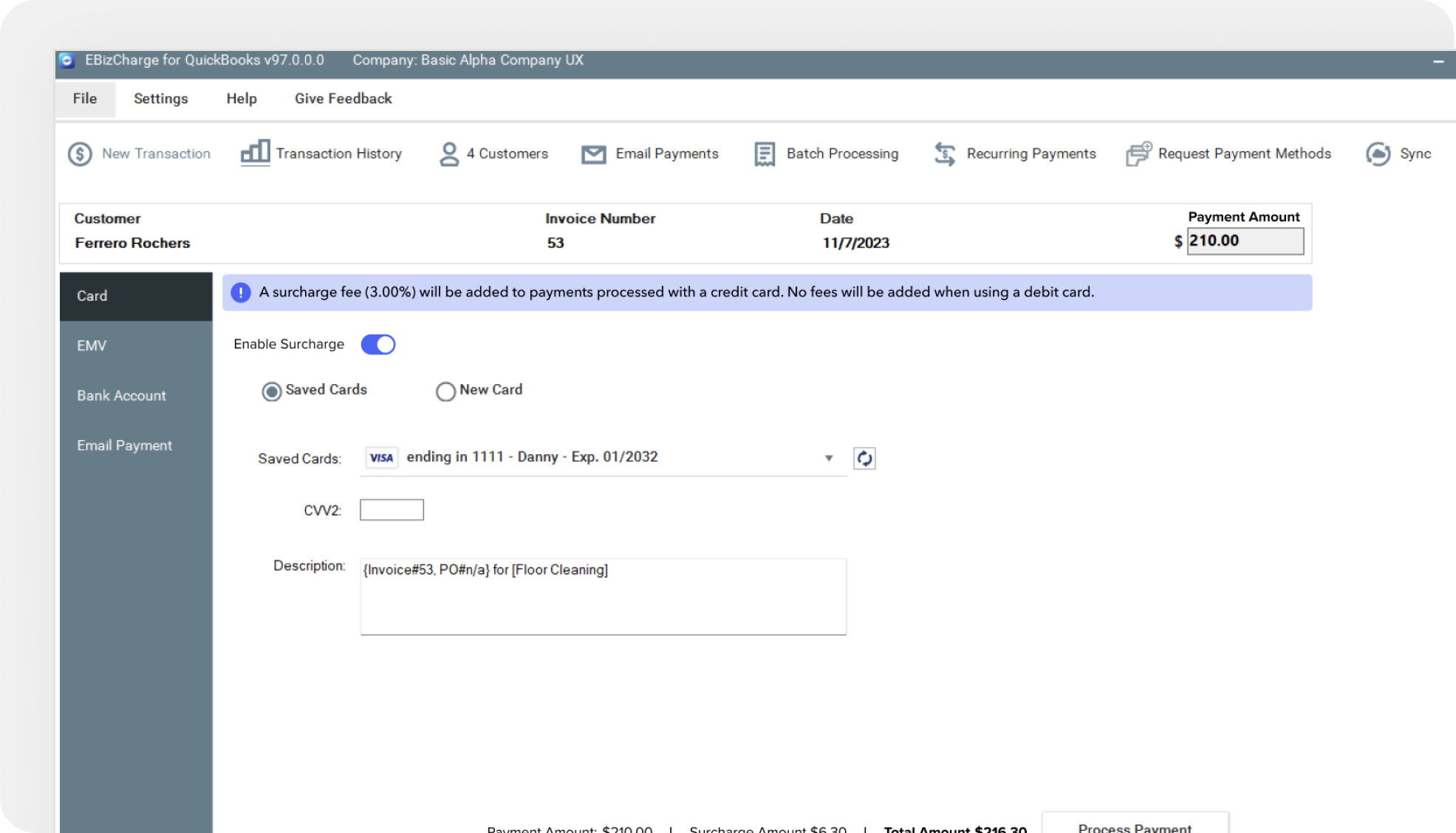
Process credit cards, debit, and ACH payments directly on QuickBooks invoices and sales orders. Authorize, capture, void, or refund without leaving QuickBooks — and watch payments post to the general ledger automatically.
Get paid faster with payment links & a customer payment portal
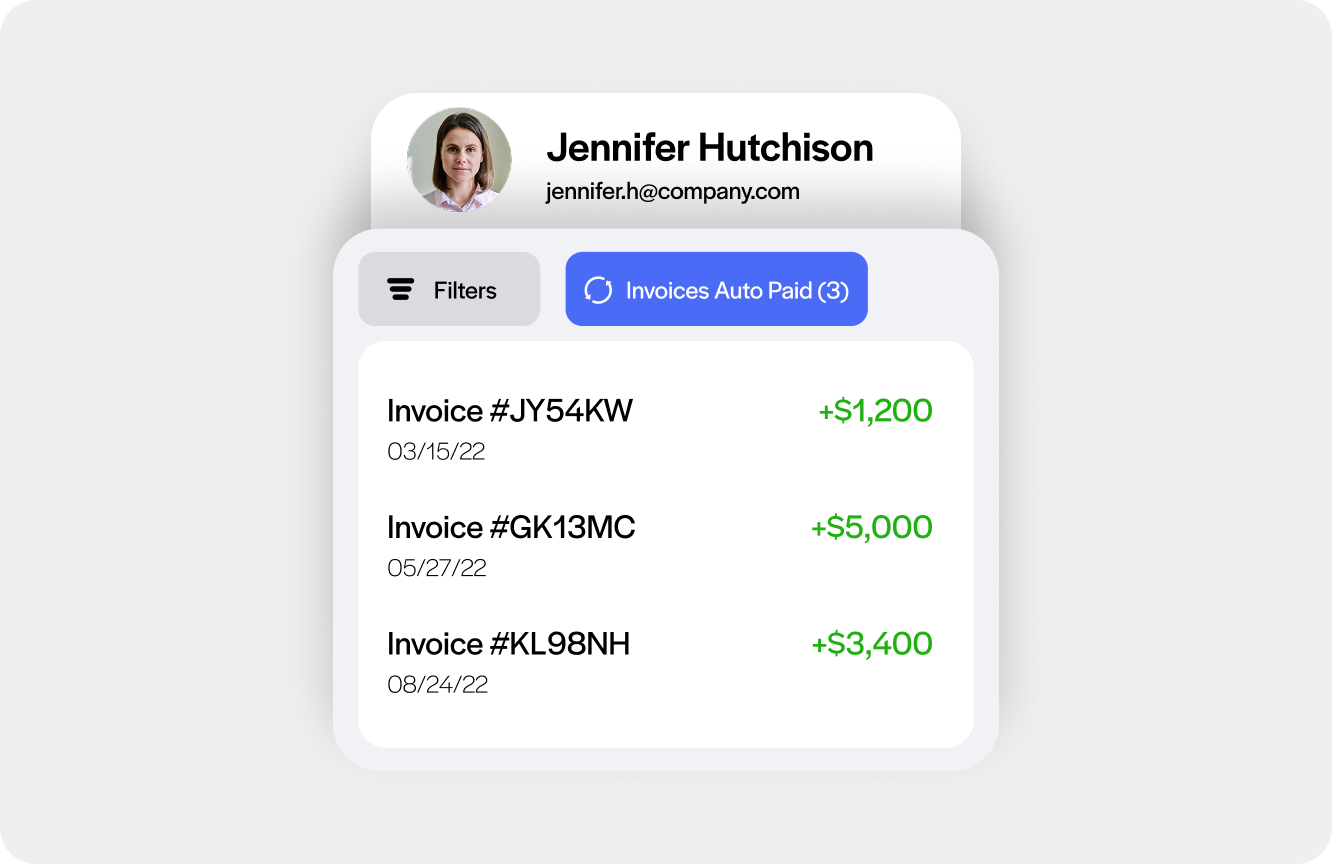
Send secure payment request links directly from QuickBooks invoices. Sync outstanding balances to a self-service portal where customers can pay on their own time — no phone calls, no paper checks.
Official Intuit Partner and Certified Application
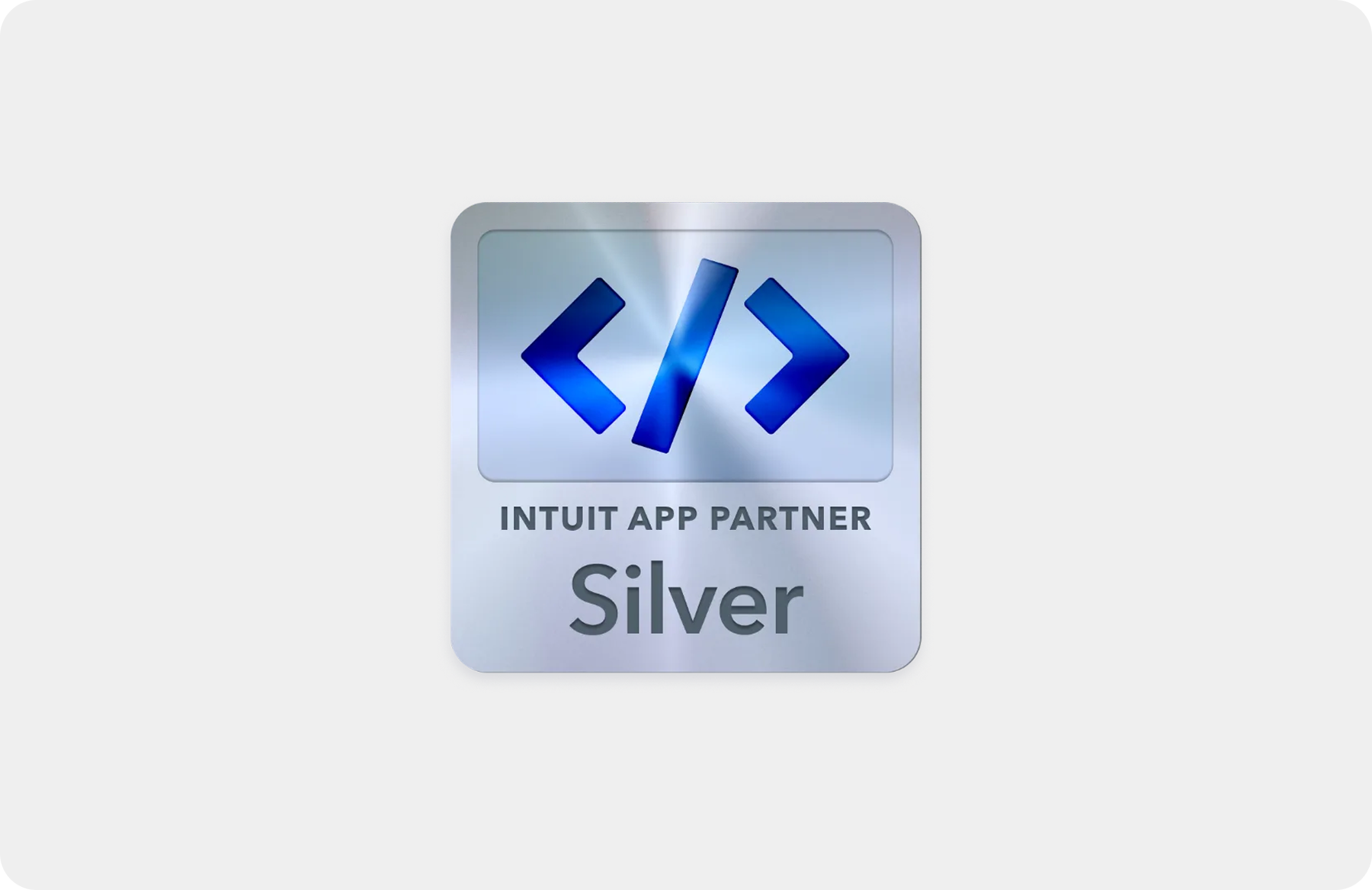
EBizCharge is an official Intuit partner and certified solution with an in-house team of QuickBooks specialists who handle installation, training, and ongoing support at no additional cost.
How EBizCharge Works with QuickBooks
EBizCharge is a native QuickBooks payment processing integration built for AR teams. Unlike bolt-on gateways, it runs entirely inside QuickBooks — so payments post to the general ledger automatically, with no manual entry required. Every account is backed by a dedicated EBizCharge Relationship Manager and an in-house support team.
Key features
Accept payments inside QuickBooks
- Process card and ACH payments on open invoices and sales orders, new or saved methods.
- Take in-person payments with EMV devices (MP200/L, VEGA 3000, Lane), including pre-auth on EMV.
- Collect deposits or pre-authorizations on sales orders.
- Void instantly, or issue full or partial refunds.
- Search transaction history by customer, date range, or keyword, with surcharge details on each transaction.
Get paid without chasing
- Send secure email payment requests for invoices and sales orders, and choose which payment methods appear.
- Generate payment links for invoices and sales orders in bulk. Adjust sales order link amounts for pre-auths or deposits. Deactivate links anytime.
- Embed payment links on invoices and sales orders.
- Sync invoices to a customer payment portal for self-service.
- Request payment methods from customers in bulk by email.
Reduce card costs with compliant surcharging
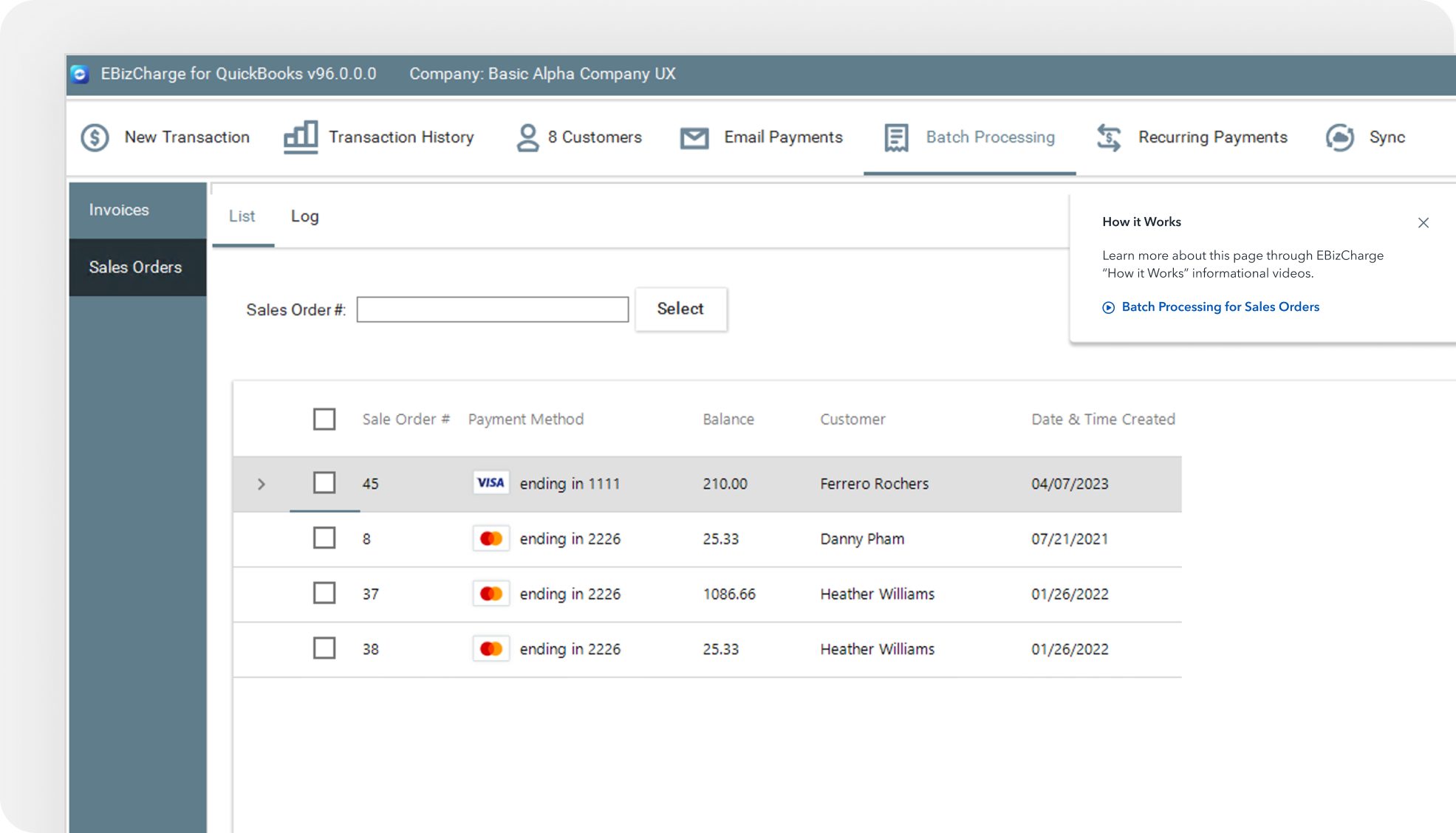
- Turn surcharge on or off per transaction, in batches, on payment links, on email payments, and on pre-auths.
- Enable or disable surcharge across all invoices or sales orders at once.
Automate AR tasks at scale
- Batch process open invoices or sales orders as multiple transactions, or invoices as a single transaction.
- Schedule recurring payments with a start and end date using a new or saved card or bank account. Edit status, frequency, amount, or payment method anytime.
- Auto Sync downloads and applies payments made in the EBizCharge Hub, including invoice payments, email payments, statement auto payments, fixed recurring payments, and quick payments
Security built for QuickBooks
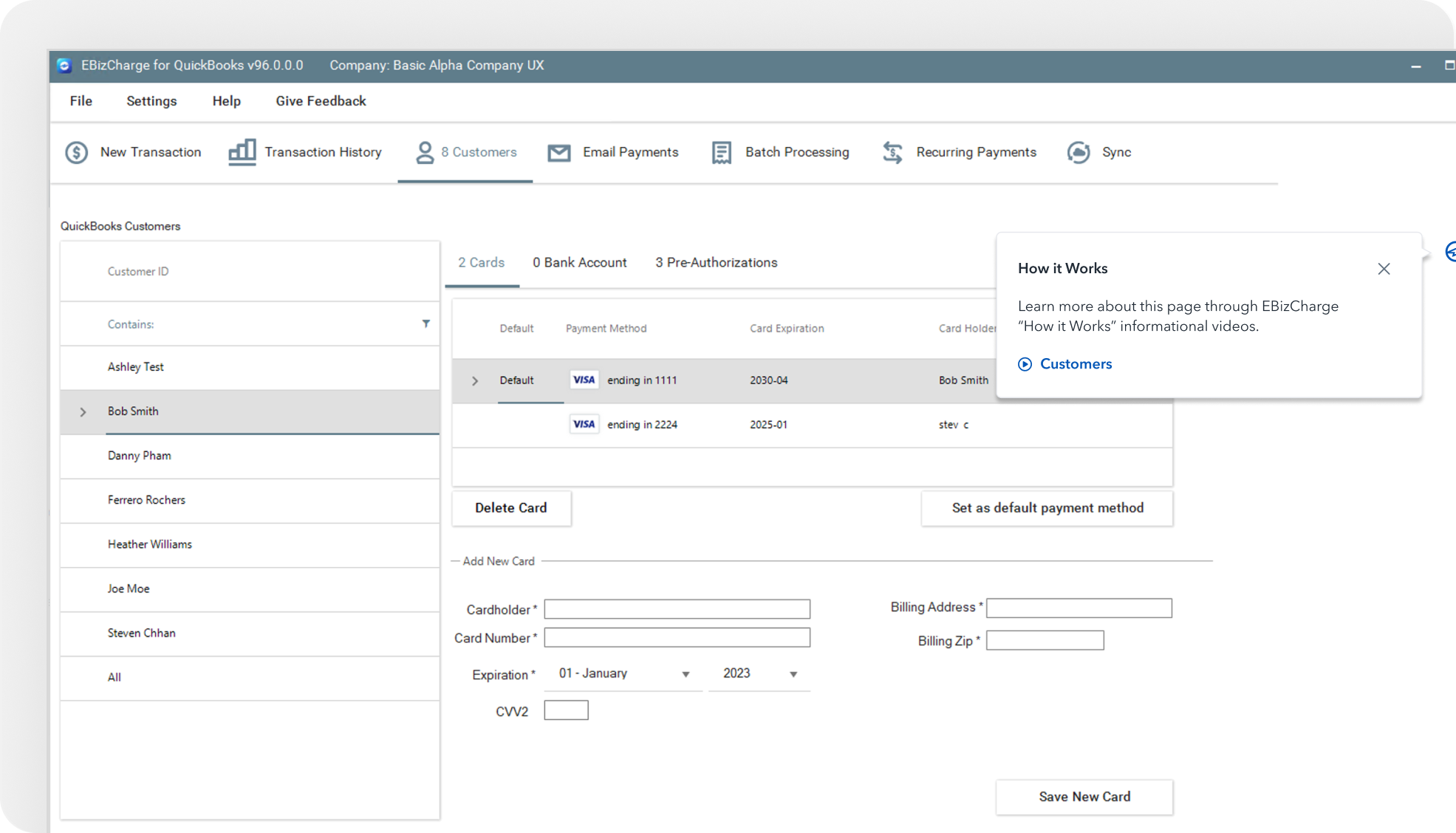
- Save customer cards and bank accounts as tokens for future use.
- Collect details through secure customer-entered forms instead of staff typing.
- Tokenization and encryption, PCI compliance support, AVS mismatch messaging, and fraud prevention on the payment webform.
Accept payments from a mobile device
- Sync the EBizCharge mobile app with QuickBooks Desktop.
- Create invoices, accept full or partial payment by card, bank account, or EMV device, and email pay requests.
- Apply mobile payments back to QuickBooks through Auto Sync.